Corebiz Documentation
Welcome to Corebiz! Get familiar with the template structure and explore its features:

Working with Doc
You can any work by following our docs

Formatting Content
Our content is more formating for your website

Perfect Responsive
Our Template is full Perfect for all device. You can visit our template all device easily.

Sass Available
The tamplate has Sass available for css. You can Change css by sass
Fast Loading Speed
Corebiz offers faster loading speed. Corebiz helps you build your template so much faster

24 Support System
We are provide 24 hours support for all clients.You can purchase without hesitation.
Getting Started
Welcome to Corebiz! Get familiar with the template structure and explore its features:
Use Corebiz as your next-gen all-in-one Business & Corporate Agency Bootstrap5 Template. It comes with HTML5 and Bootstrap5. We built a component-based and developer-friendly modern template with a clean design and faster loading HTML pages. It includes Main Business, Startup Agency, Law Firm, Insurance, IT Solutions, Event Management, Financial Advisor, Healthcare, Business Consulting, Corporate Business, and other needed inner or detail pages.
Corebiz Core Features
- HTML5 & CSS3
- Responsive layout (desktops, tablets, mobile devices)
- Built with Bootstrap v5.3.3
- Well structured code
- Contact Form Working
- Hinted Typography
- Dark Mode Available
- RTL Available
- Sass Available
- W3 Valid 100%
- Fast Loading Speed
- Cross Browser Support
- Dedicated Support, Lifetime Updates
- And much more …
What's Included
After purchasing Corebiz template on templateforest.net with your Envato account, go to your Download page. You can choose to download Corebiz template only or the entire Corebiz template package which contains the following files:
- Corebiz template: A .zip file with all .html files with all necessary assets.
- Documentation: An HTML format documentation.
- Licensing.
How to Install Corebiz Website Templates
Installing a Corebiz template is not like WordPress or CMS theme installation. Actually, the installation keyword does not apply to a Corebiz template. Why? Because you don’t install anything — Corebiz HTML templates are automatically rendered by the browser.
1. Editing Corebiz Template
Before all that you have to edit your template and place your own contents by replacing old demo contents, in this case, you will need a code editor such as – VScode, Sublime Text, etc. When template editing is done using editor, save the files and folder and go ahead to upload template files on live server.
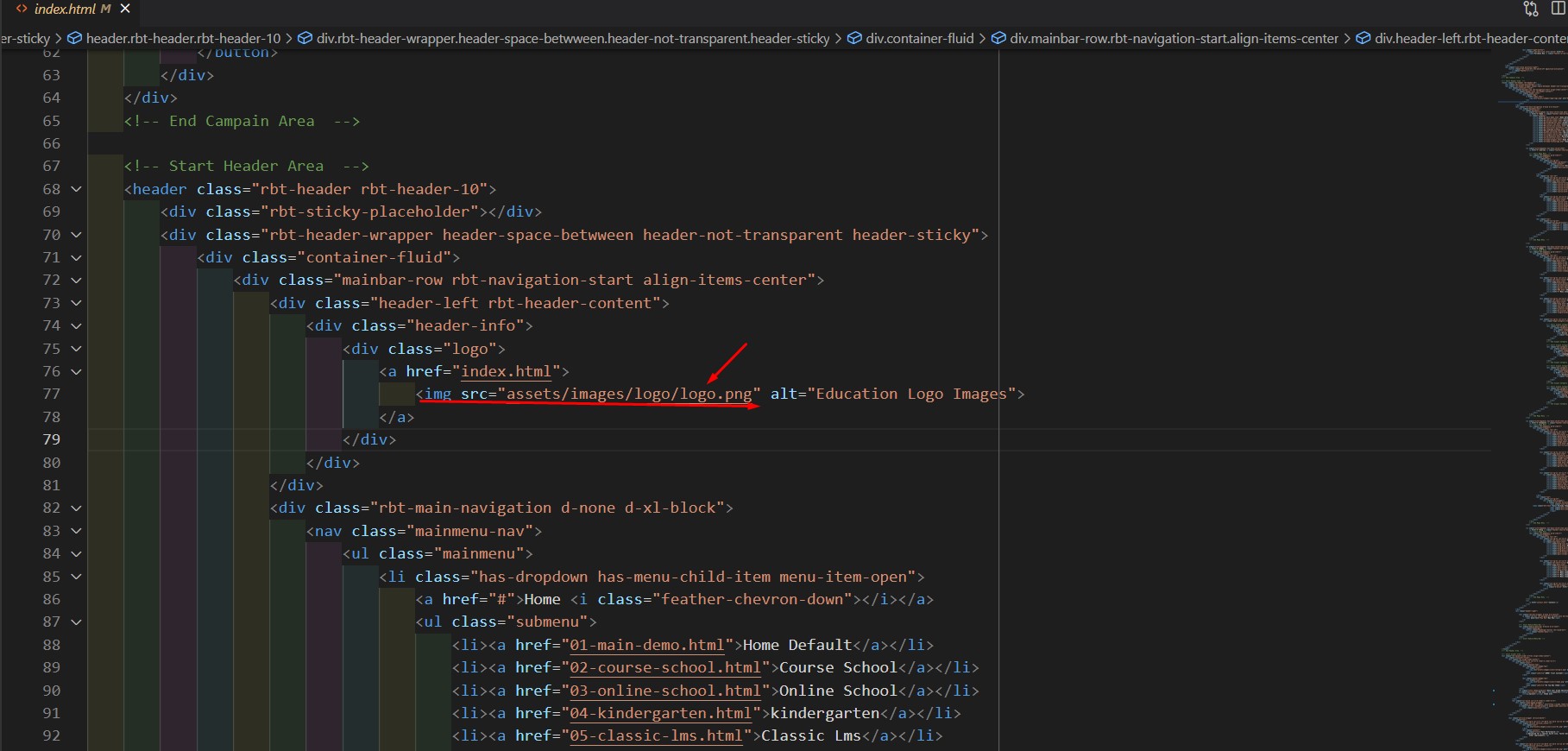
Step - 1: To switch logo:
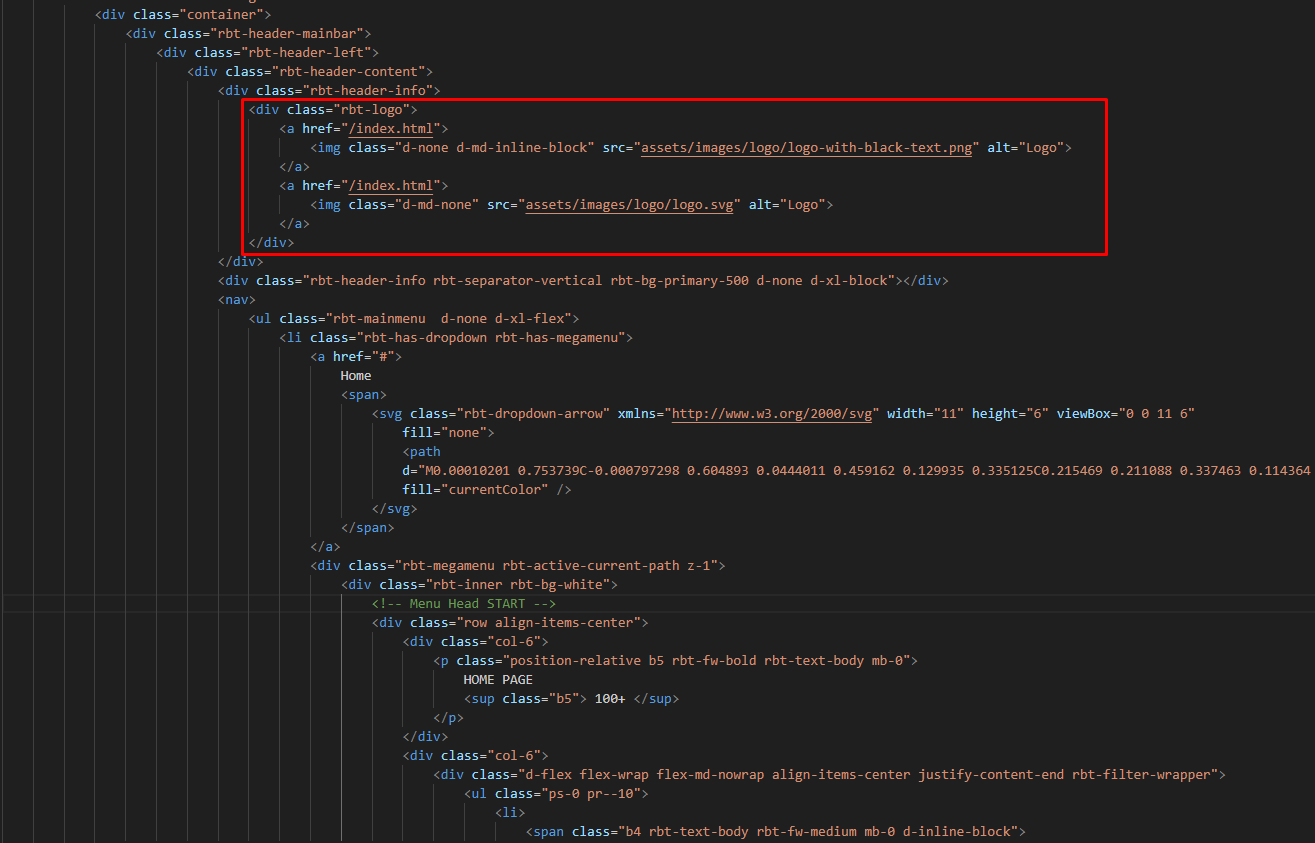
                                                    <div class="rbt-header-info">
                                                        <div class="rbt-logo">
                                                            <a> href="/index.html">
                                                                <img class="d-none d-md-inline-block" src="assets/images/logo/logo-with-black-text.png" alt="Logo">
                                                            </a>
                                                            <a> href="/index.html">
                                                                <img class="d-md-none" src="assets/images/logo/logo.svg" alt="Logo">
                                                            </a>
                                                        </div>
                                                    </div>
4. Uploading to Live Server Using FTP:
First of all, If you don’t have your template on your computer, download Corebiz template to get started, when download/purchase complete you will get a package like this screenshot (after unzip).
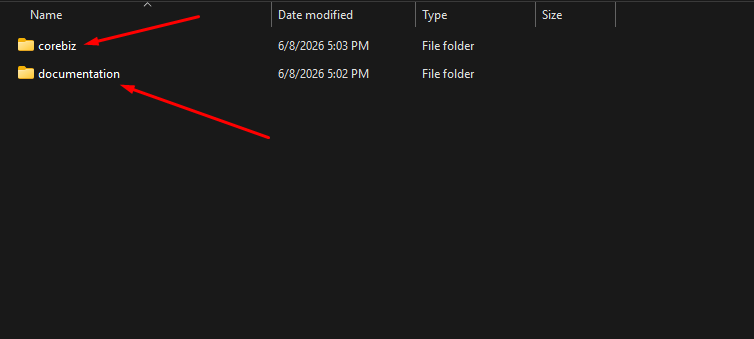
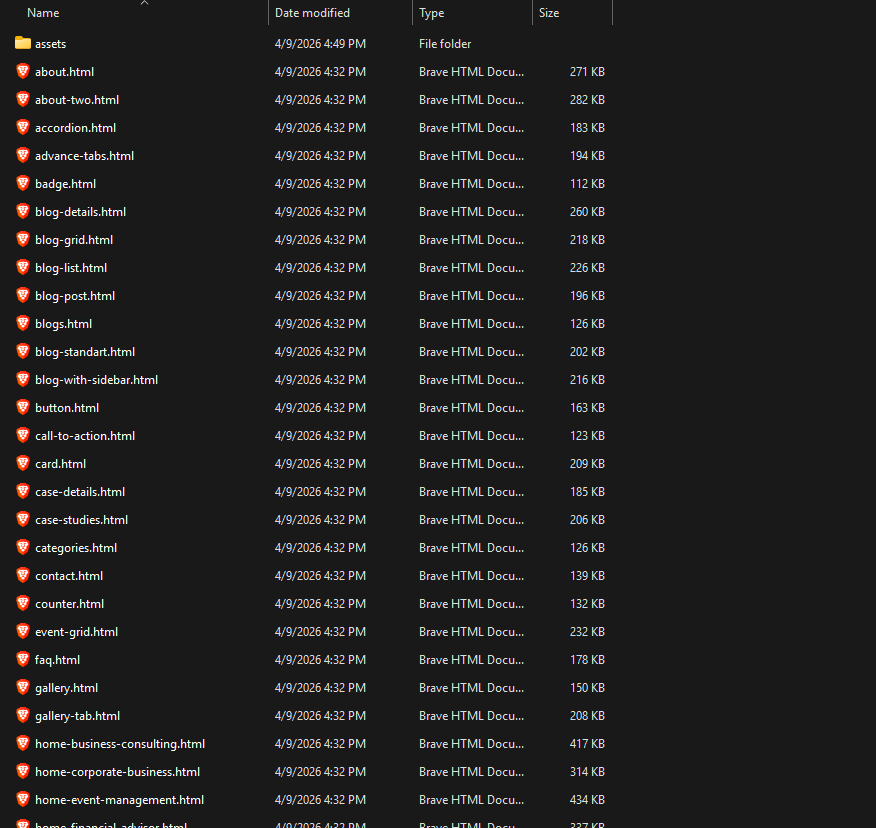
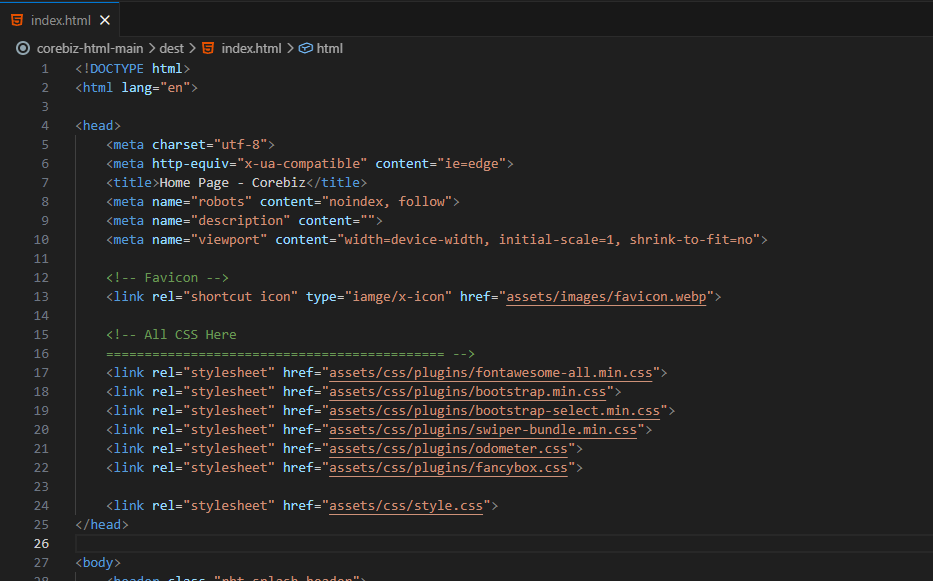
5. Package comes with documentation unzip the download package, you’ll found a folder with all template files, like above screenshot.














Social Share
Showcase of Social share. See below image and code for more information.
                                                        <ul class="rbt-social">
                                                            <li>
                                                                <a href="#">
                                                                    <svg xmlns="http://www.w3.org/2000/svg" width="8" height="14" viewBox="0 0 8 14" fill="none">
                                                                        <path
                                                                            d="M4.7139 13.3906V7.28296H6.77691L7.08642 4.90201H4.7139V3.38211C4.7139 2.69298 4.90576 2.22335 5.90172 2.22335L7.16992 2.22283V0.0932186C6.9506 0.0649078 6.19776 0 5.32154 0C3.49184 0 2.23919 1.10939 2.23919 3.1463V4.90201H0.169922V7.28296H2.23919V13.3906H4.7139Z"
                                                                            fill="currentColor" />
                                                                    </svg>
                                                                </a>
                                                            </li>
                                                            <li>
                                                                <a href="#">
                                                                    <svg xmlns="http://www.w3.org/2000/svg" width="12" height="12" viewBox="0 0 12 12" fill="none">
                                                                        <path fill-rule="evenodd" clip-rule="evenodd"
                                                                            d="M5.32753 7.3131L1.71956 11.4473C1.62394 11.5568 1.48972 11.613 1.35481 11.613C1.24188 11.613 1.12855 11.5737 1.03681 11.4936C0.835424 11.3179 0.814714 11.0123 0.990457 10.8109L4.71324 6.54525L0.106051 0.786256C-0.0101753 0.640998 -0.0328205 0.44203 0.0477926 0.27432C0.128406 0.10661 0.297858 6.10348e-05 0.483858 6.10348e-05H2.99999C3.14699 6.10348e-05 3.28606 0.0668353 3.3778 0.18161L6.67263 4.30014L10.2808 0.165718C10.4564 -0.0356697 10.7623 -0.0563794 10.9635 0.119363C11.1648 0.295105 11.1856 0.600719 11.0099 0.802106L7.28691 5.068L11.8939 10.8268C12.0102 10.9721 12.0328 11.171 11.9522 11.3387C11.8716 11.5064 11.7021 11.613 11.5161 11.613H9.00001C8.85301 11.613 8.71394 11.5462 8.6222 11.4314L5.32753 7.3131ZM10.5093 10.6452H9.23256L1.4906 0.967805H2.76735L10.5093 10.6452Z"
                                                                            fill="currentColor" />
                                                                    </svg>
                                                                </a>
                                                            </li>

                                                            ...
                                                        </ul>